
What to Do When Software Prices Increase: A 4-Step Checklist
A practical 4-step checklist to evaluate, negotiate, and respond before your subscription renews after a price increase notification.
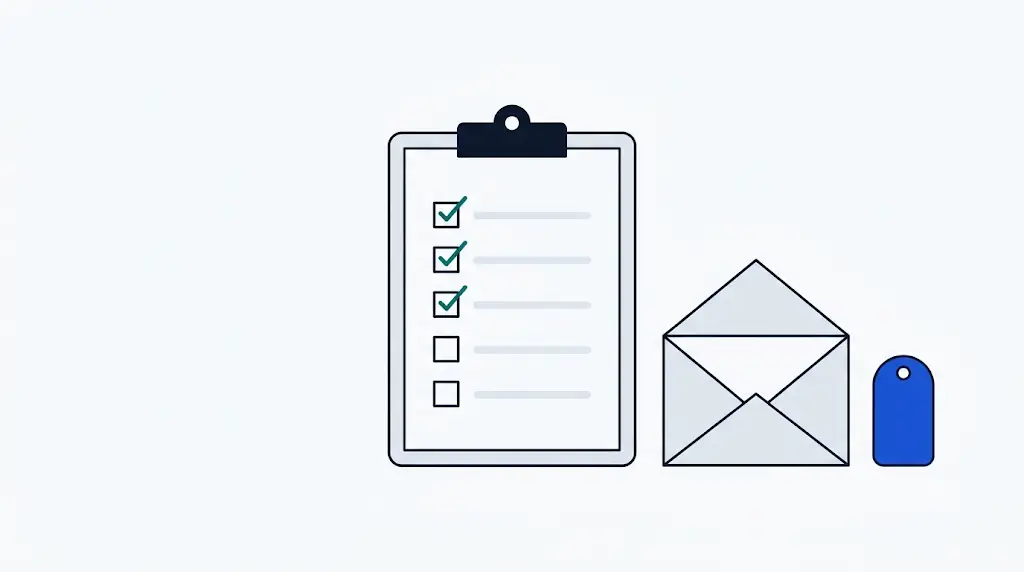
"We are updating our pricing." A sudden price adjustment email from a core software vendor often triggers frustration and disruption. Left unattended, auto-renewals quietly compound recurring operating expenses.
Major subscription platforms have recently implemented substantial price jumps:
| Service | Representative Plan | Old Price | New Price | Increase |
|---|---|---|---|---|
| Disney+ | Premium (No Ads) | $10.99 | $15.99 | +45.5% |
| Netflix | Premium (4K UHD) | $17.99 | $22.99 | +27.8% |
| Google Workspace | Business Starter | $6.00 | $7.20 | +20.0% |
| Google Workspace | Business Standard | $12.00 | $14.40 | +20.0% |
| Adobe CC | All Apps (Annual, monthly) | $54.99 | $59.99 | +9.1% |
| YouTube Premium | Individual | $11.99 | $13.99 | +16.7% |
Before your next billing cycle locks in the higher rate, follow this 4-step response checklist to safeguard your budget.
Step 1: Verify Notice Windows and Auto-Renewal Dates
Standard consumer and enterprise terms require vendors to notify customers at least 30 days before price adjustments take effect.
- Action Item: Check whether the adjustment applies immediately to your upcoming monthly charge or upon your next annual contract renewal.
- Grandfathering Status: Inquire if existing subscribers qualify for transitional legacy pricing or delayed enforcement.
Step 2: Critically Assess Bundled "Value Adds"
Price revisions are typically accompanied by new feature rollouts—most commonly generative AI tooling or expanded cloud storage.
- Action Item: Audit whether these newly bundled features provide tangible productivity gains for your team's workflow.
- If your team does not actively use the expanded capabilities, evaluate downgrading to a lower tier (e.g., Google Workspace Starter instead of Standard).
How much have your subscriptions gone up?
Pick the services you use to see increases by period, per currency.
Step 3: Calculate the Breakeven on Competitor Migration
When a platform hikes rates by 20% to 50%, market parity shifts dramatically in favor of competing solutions.
- Switching Friction: Quantify the one-time data transfer time, setup friction, and retraining cost.
- Net Annual Gain: If moving to an alternative saves more in annual recurring spend than the transition cost, begin planning an orderly migration.
Step 4: Restructure Terms or Downsize Commitments
If staying on the platform is necessary, neutralize the price hike with structural adjustments:
- Switch from Monthly to Annual Billing: Secures discounts that offset the percentage increase.
- Trim Inactive Seats: Offset per-user rate increases by reclaiming unassigned licenses.
Google Workspace
Disney+ price change alerts
Email only when this service's price changes.
Get price change alerts for services in this guide
We email you when we confirm a price change. No promotional email. Unsubscribe anytime.
Price change alerts
Email only when the selected service's price changes.
Services in this guide
More guides

Cloud Storage Pricing & Cost-per-TB Comparison Guide
Compare cost per terabyte and historical price changes across major storage providers: Backblaze, Dropbox, Google One, and iCloud+.
How to Track and Verify Past SaaS Pricing History
Discover reliable methods to investigate past software pricing, contract revisions, and historical price hike trajectories.